
Turbo GPS 20151 - Google Play
You'll be able to see results in few seconds.
Publisher Description
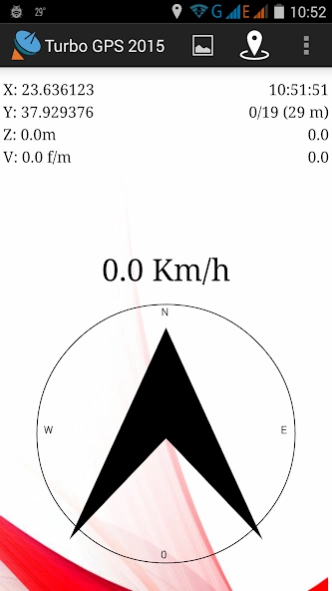
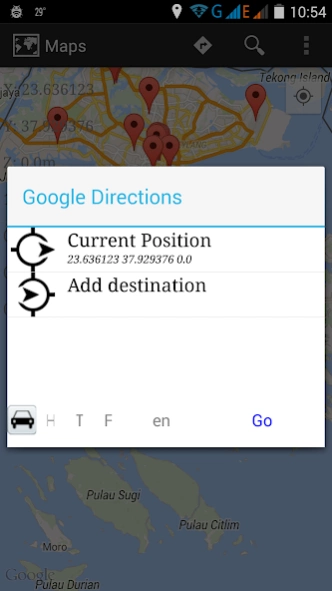
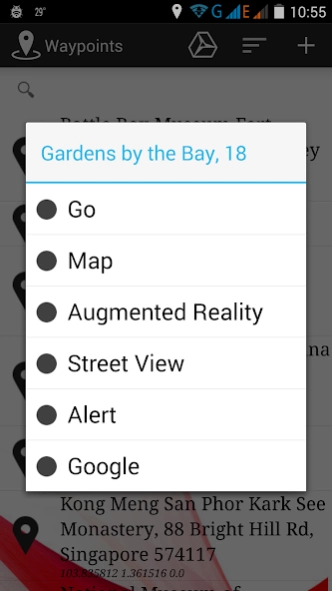
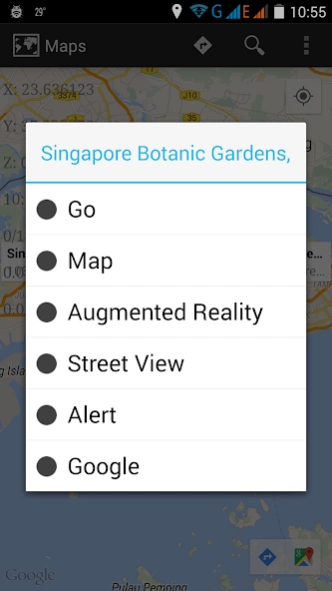
The best all-in-one GPS tool.
Welcome to Turbo GPS 2015. This is a newer and lighter version for Android 4+.
New stuff:
* Movable waypoints
* Colored waypoints
* GSM waypoints
* New interface
And usual stuff:
* Superb google directions interface with lots of options.
* Streetview with orientation support, for view, waypoint and track walking.
* Improved auto-compass, takes from internal or GPS.
* Easier and more flexible maps with directions
* 9 languages
* Bluetooth support for external GPS
* Unlimited tracks,waypoints, compatible with Turbo GPS 3.
* Flight mode with vertical speed
* Google directions enhanced, along with Elevation, Geocoding and Directions requests.
* Import from KML/LOC/XML/TXT/GPX
* Export to KML/KMZ/LOC/XML/TXT/GPX
* Augmented Reality
* Pursuit and Tracking
* Wanderer mode and calculator.
* Sensor Explorer
* GR87 EGSA ΕΓΣΑ87 Support
Permissions:
--------------------------
* Bluetooth access for external bluetooth devices.
* Camera access for augmented reality.
* Record audio to be able to record messages while capturing waypoints.
* Check Phone State so PayPal donation and Registration can be checked.
* Change Wifi State so it can save your wifi networks as waypoints.
* Read/Write external storage so it can write information to your SD card.
* Read/Write contacts, so it can associate GPS positions with your contacts
* Access Internet/Wifi/Network state so things like OpenStreetMaps and GoogleMaps can work.
* Access Fine/Coarse location, so it gets a fix :)
* Access Mock location so it can access my Bluetooth GPS Provider or simulate tracks.
About Turbo GPS 2015
The company that develops Turbo GPS 2015 is Michael Chourdakis. The latest version released by its developer is 1.
To install Turbo GPS 2015 on your Android device, just click the green Continue To App button above to start the installation process. The app is listed on our website since 2017-02-25 and was downloaded 0 times. We have already checked if the download link is safe, however for your own protection we recommend that you scan the downloaded app with your antivirus. Your antivirus may detect the Turbo GPS 2015 as malware as malware if the download link to com.turboirc.tgps.v2015 is broken.
How to install Turbo GPS 2015 on your Android device:
- Click on the Continue To App button on our website. This will redirect you to Google Play.
- Once the Turbo GPS 2015 is shown in the Google Play listing of your Android device, you can start its download and installation. Tap on the Install button located below the search bar and to the right of the app icon.
- A pop-up window with the permissions required by Turbo GPS 2015 will be shown. Click on Accept to continue the process.
- Turbo GPS 2015 will be downloaded onto your device, displaying a progress. Once the download completes, the installation will start and you'll get a notification after the installation is finished.
Program Details
System requirements
Download information
Pricing
Version History
version 1
posted on 2017-02-25
Added elevation menu in maps
"BOTH" option now default for new installations.
For past users, do change it to "both" for better accuracy.
=NO ADS=
Enjoy.
version 1
posted on 2016-11-18
Added option "BOTH" in provider, it opens both network and gps for better accuracy.,END OF ADS. Enjoy. :)
Disclaimer
Official Google Play Link
We do not host Turbo GPS 2015 on our servers. We did not scan it for viruses, adware, spyware or other type of malware. This app is hosted by Google and passed their terms and conditions to be listed there. We recommend caution when installing it.
The Google Play link for Turbo GPS 2015 is provided to you by apps112.com without any warranties, representations or guarantees of any kind, so access it at your own risk.
If you have questions regarding this particular app contact the publisher directly. For questions about the functionalities of apps112.com contact us.
